Video Tag
Every video tagged “BooBox” in the library — a focused slice of the Halloween archive.
4 videos
FrightProps showcases their Electronic Flash Cracker, a high-impact haunt accessory that produces an extremely loud, crackling firecracker-style sound effect when triggered by an electrical signal. The device runs on standard 110vAC household power, making it straightforward to integrate into an existing haunt setup. It is compatible with FrightProps' own BooBox and PicoBoo controller lines for automated or triggered activation. The effect is designed specifically to startle and provoke a strong jump-scare reaction from haunt guests.
This is the third and final installment in FrightProps' BooBox 4 Scene Controller tutorial series, focusing on how to connect various trigger inputs to the controller. The video walks viewers through wiring options including button triggers, pressure/step mats, motion sensors, and light beam sensors. Each trigger type is demonstrated in the context of activating scenes for Halloween props and animatronics.
Part 2 of FrightProps' three-part BooBox series walks viewers through the process of programming scenes into the BooBox 4 Scene Controller. The tutorial focuses on how to configure and store multiple scenes for triggering animatronics and Halloween props. It serves as the essential middle step between hardware setup and full deployment of the controller.
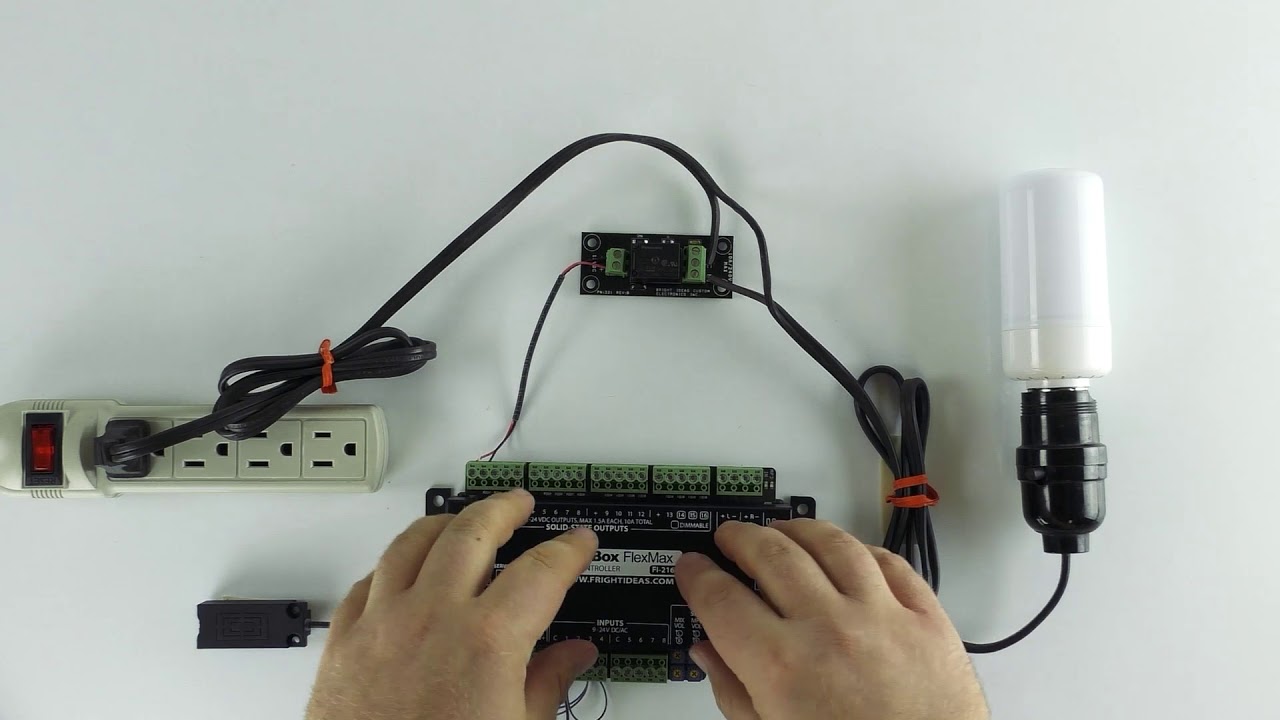
This FrightProps tutorial walks through a specific interactive scenario: keeping a light illuminated only while a visitor physically touches a designated prop or surface. The setup uses a BooBox Flex or FlexMax controller paired with a touch sensor and a solid-state relay board to switch a 110v AC LED flame bulb. It doubles as a practical primer on controlling mains-voltage AC devices through a solid-state output from a low-voltage controller.